
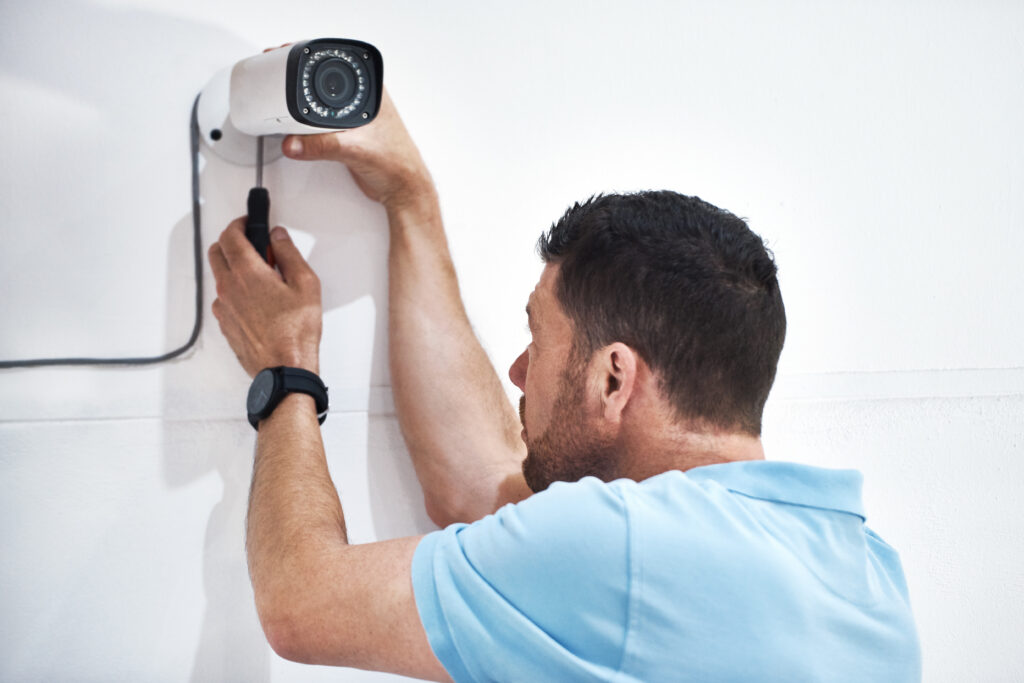
Installing a wireless security camera system is an effective way to protect your home or business while improving peace of mind. In 2026, the average wireless security camera installation cost ranges from $600 to $2,500, depending on the number of cameras, equipment quality, labor, and installation complexity.
This guide breaks down the latest CCTV installation costs for 2026, the factors that affect pricing, and practical tips to help you choose the right security camera system for your property and budget.
What Affects Wireless Security Camera Installation Cost?
Many homeowners and business owners purchase security cameras without understanding the full installation costs. This often leads to unexpected expenses such as Wi-Fi upgrades, cloud storage subscriptions, additional mounting hardware, or repositioning cameras after installation.
Choosing the wrong installer can also result in:
- Poor camera placement
- Weak Wi-Fi connectivity
- Blind spots around the property
- Low-quality video footage
- Higher maintenance costs
- Limited remote monitoring performance
Working with experienced professionals ensures your cameras are positioned correctly, connected securely, and configured for maximum coverage from day one.
Average Wireless Security Camera Installation Cost in 2026
Below is a general estimate of professional installation costs in the United States.
| Installation Type | Estimated Cost |
| Single wireless camera installation | $200 – $500 |
| 2–4 camera home system | $600 – $1,500 |
| 5–8 camera residential system | $1,500 – $2,500 |
| Commercial wireless camera installation | $2,500 – $7,000+ |
| Professional labor per camera | $80 – $200 |
| Cloud storage subscription | $5 – $30/month |
| Network upgrades | $150 – $800 |
Actual pricing varies based on property size, camera type, installer experience, and regional labor rates.
Factors That Affect Installation Cost
1. Number of Cameras
The number of cameras has the biggest impact on your total project cost.
A small home may only require two or three cameras, while larger homes, office buildings, warehouses, or retail stores often require eight or more cameras for complete coverage.
More cameras mean additional labor, mounting hardware, and system configuration.
2. Camera Type
Different camera models have different installation requirements.
Common options include:
- Indoor wireless cameras
- Outdoor weatherproof cameras
- Battery-powered cameras
- Solar-powered cameras
- Smart AI cameras
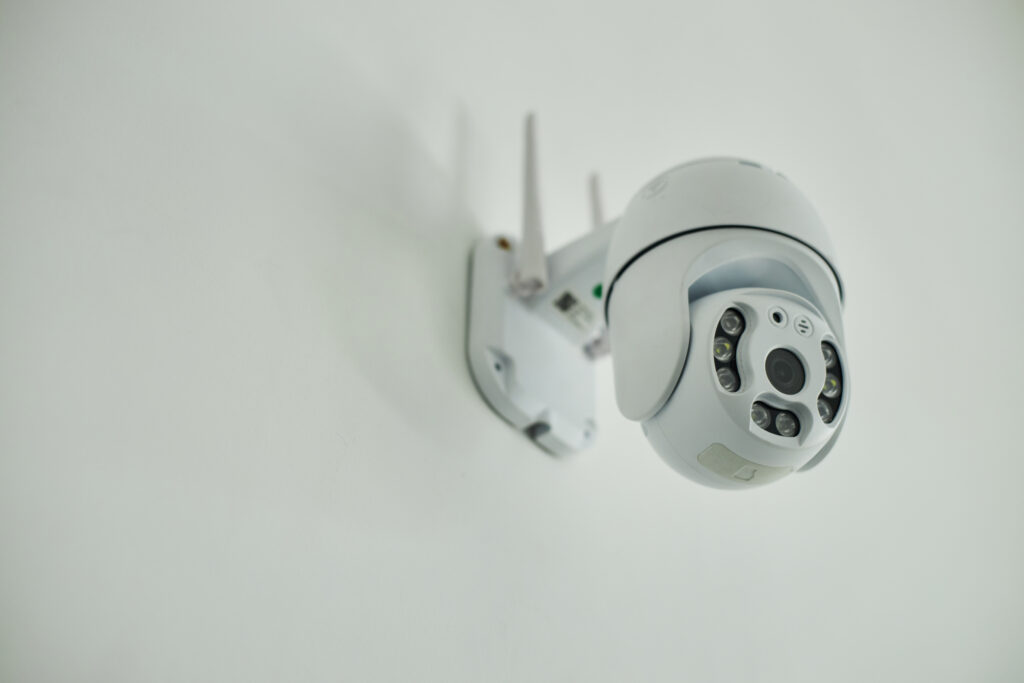
- PTZ (Pan-Tilt-Zoom) cameras
- Floodlight security cameras
Advanced cameras with AI detection, motion tracking, and zoom capabilities typically increase the overall wireless surveillance system cost.
3. Camera Resolution
Higher image quality provides better facial recognition, license plate visibility, and evidence collection.
Typical resolutions include:
- 1080p HD
- 2K
- 4MP
- 4K Ultra HD
Although higher-resolution cameras cost more, they deliver sharper footage and improved security.
4. Property Size
Larger properties require additional cameras, stronger wireless coverage, and more installation time.
Homes with multiple floors, detached garages, long driveways, or large outdoor areas often require Wi-Fi extenders or mesh networking equipment to maintain reliable camera connections.
5. Installation Complexity
Not every installation is straightforward.
Your security camera setup cost may increase if installers need to:
- Mount cameras on high exterior walls
- Install cameras on brick or concrete surfaces
- Hide power cables
- Install weatherproof accessories
- Configure multiple access points
- Improve wireless signal strength
Complex installations require more labor and specialized equipment.
6. Professional Installation Labor
Hiring professionals ensures your cameras are installed safely and configured correctly.
Professional installers typically:
- Determine optimal camera placement
- Connect cameras to your Wi-Fi network
- Configure mobile apps
- Test video quality
- Adjust viewing angles
- Optimize motion detection settings
- Secure your network against unauthorized access
Professional installation generally costs $80 to $200 per camera, depending on project complexity.
7. Cloud Storage vs Local Storage
Storage options also affect your long-term home security system pricing.
Local Storage
- One-time purchase
- No monthly fees
- Stores footage on SD cards or NVR systems
Cloud Storage
- Automatic backups
- Remote access
- Subscription-based
- Better protection if cameras are damaged or stolen
Many homeowners choose a combination of both for added security.
8. Network Upgrades
Wireless cameras depend on a strong internet connection.
Older routers may struggle to support multiple HD or 4K cameras simultaneously.
Common upgrades include:
- Wi-Fi 6 routers
- Mesh Wi-Fi systems
- Signal boosters
- Ethernet backhaul installations
These improvements increase performance but also add to your smart home security camera cost in Decatur, GA.
9. Future Maintenance Costs
Installation is only part of the investment.
Long-term maintenance may include:
- Firmware updates
- Camera cleaning
- Battery replacements
- Software updates
- Cloud storage renewals
- Camera repositioning
- Equipment replacement after several years
Routine maintenance helps extend system lifespan and maintain video quality.
Benefits of Professional Wireless Security Camera Installation
Although DIY systems are available, professional installation offers significant advantages.
Proper Camera Placement
Experts eliminate blind spots and maximize property coverage.
Reliable Performance
Professional setup ensures stable Wi-Fi connectivity and consistent recording.
Better Security
Installers configure secure passwords, encrypted connections, and remote access settings to protect your surveillance system.
Time Savings
Professionals complete installation efficiently while avoiding common setup mistakes.
Long-Term Value
Proper installation reduces future repair costs and improves overall system reliability.
Is Professional Security Camera Installation Worth It?
For most homeowners and business owners, the answer is yes.
Professional installers understand camera placement, wireless coverage, local building requirements, and smart home integration. Their expertise helps prevent installation errors that could compromise your property’s security.
If you’re protecting valuable assets, family members, employees, or customers, investing in professional security camera installation provides long-term peace of mind and dependable performance.
Final Thoughts
The average wireless security camera installation cost in 2026 ranges from $600 to $2,500, depending on the number of cameras, equipment quality, labor rates, property size, and installation complexity.
While lower-cost DIY options exist, professionally installed systems offer better coverage, improved reliability, enhanced security, and long-term value. Before selecting a provider, request a detailed estimate that includes equipment, labor, storage options, and future maintenance costs to avoid unexpected expenses.
Choosing the right installer today helps protect your property for years to come.
Frequently Asked Questions
How much does wireless security camera installation cost in 2026?
Most homeowners spend between $600 and $2,500 for a professionally installed wireless security camera system. Commercial installations may cost significantly more depending on property size and system requirements.
Can I install wireless security cameras myself?
Yes. Many modern wireless cameras are designed for DIY installation. However, professional installation ensures proper camera placement, reliable connectivity, and optimal security coverage.
Do wireless security cameras work without Wi-Fi?
Many wireless cameras continue recording locally to an SD card or Network Video Recorder (NVR) even if the Wi-Fi connection is temporarily unavailable. However, remote viewing and mobile alerts typically require an internet connection.
How many security cameras does a typical home need?
Most homes require 4 to 6 cameras to monitor entrances, driveways, backyards, garages, and other vulnerable areas. Larger homes may need additional cameras for complete coverage.
How long do wireless security cameras last?
With regular maintenance, firmware updates, and proper installation, most wireless security cameras last 5 to 10 years or longer before replacement is necessary.
What increases the home security camera installation price?
The biggest cost factors include the number of cameras, camera resolution, installation complexity, property size, labor rates, cloud storage subscriptions, and any required network upgrades.